
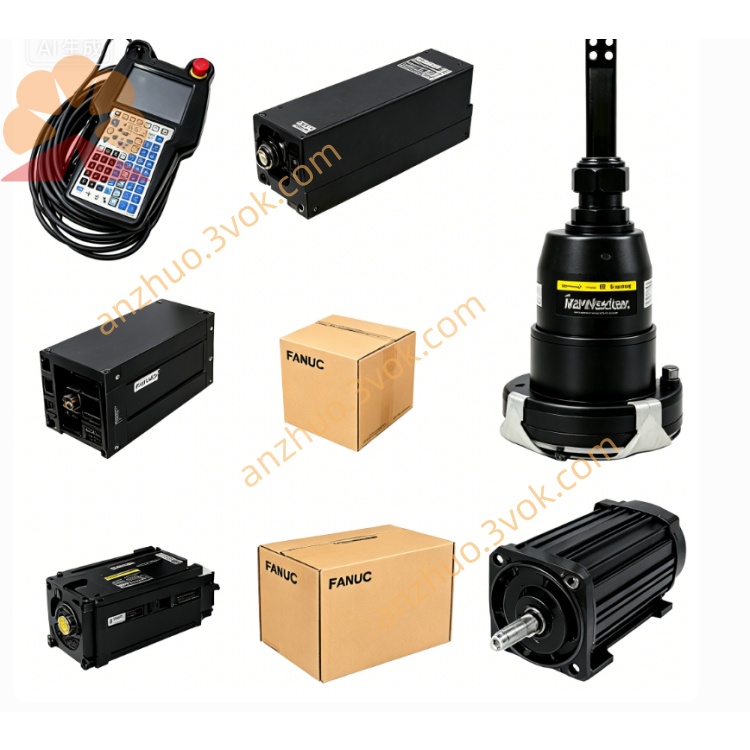
Fanuc A06B-6079-H208 SVM2-80/80 Dual Axis Alpha Servo Amplifier 9.5kW CNC Drive
The A06B-6079-H208 is a dual‑axis Alpha series servo amplifier (SVM2‑80/80) designed for high‑power, high‑precision CNC and automation applications. It controls two independent servo axes with a shared power stage, connecting to FANUC CNC systems via the FSSB optical bus for minimal noise and simplified wiring.
Description
General Description
The A06B-6079-H208 is a dual‑axis Alpha series servo amplifier (SVM2‑80/80) designed for high‑power, high‑precision CNC and automation applications. It controls two independent servo axes with a shared power stage, connecting to FANUC CNC systems via the FSSB optical bus for minimal noise and simplified wiring.
Specifications
Input
Rated DC input voltage: 283–325 VDC. Rated input power: 9.5 kW. Control power supply: 24 VDC ±10%.
Output
Maximum output voltage: 230 VAC three‑phase. Rated continuous output current: 18.7 A for L‑axis, 18.7 A for M‑axis. Compatible with FANUC Alpha servo motors including α22/3000, α30/3000, α40/2000, and similar high‑power models.
Environmental
Operating temperature: 0°C to +55°C. Storage temperature: ‑40°C to +85°C. Relative humidity: 10%–90% RH, non‑condensing.
Mechanical
Dimensions: 380 mm (H) × 90 mm (W) × 307 mm (D). Weight: approximately 6.5 kg.
Key Features
High‑performance digital servo control with HRV3 high‑response vector control ensures precise position, speed, and torque regulation for demanding machining. The FSSB optical interface eliminates electrical interference and supports long‑distance communication. A built‑in regenerative circuit efficiently manages energy during deceleration. Integrated protection functions include overcurrent, overvoltage, undervoltage, overtemperature, and overload safeguards. An internal cooling fan and external heat sink maintain stable operation under continuous high load. It supports both incremental and absolute encoders and is compatible with FANUC 0i, 16i, 18i, 30i/31i/32i series CNC.
Installation and Wiring
Mounting
Install vertically in a well‑ventilated control cabinet. Maintain a minimum 100 mm clearance around the unit for proper airflow. Secure the amplifier with mounting screws to prevent vibration during operation.
Power Wiring
Connect the DC link input (283–325 VDC) from the power supply unit to the DC terminals. Run 24 VDC control power and emergency stop signals to the CX1A/CX1B connectors.
Motor and Feedback Wiring
For each axis, connect motor power cables U, V, W, and ground to the corresponding motor terminals. Attach encoder or resolver cables to the feedback connectors. Use shielded cables for all signal lines and ensure proper earthing to minimize electrical noise.
Safety Precautions
Disconnect all power before performing installation or maintenance. Wait at least five minutes after power‑off for DC link capacitors to fully discharge. Never touch high‑voltage terminals to avoid electric shock. Use only the specified fuses such as A06B-6077-K250. Repeated alarm trips indicate a system fault; inspect wiring, motors, and amplifier before restarting. Keep the unit away from flammable materials and corrosive gases.
Common Alarm Codes
Alarm 1: Internal fan stopped (FAL). Alarm 2: Low control power voltage (LV5V). Alarm 5: Low DC link voltage (LVDC). Alarm 8: L‑axis overcurrent (HCL) or IPM fault. Alarm 9: M‑axis overcurrent (HCM) or IPM fault. Alarm b: Both L & M‑axis overcurrent. Alarms IPML and IPMM: IPM module faults (short circuit or overheating) on L‑axis and M‑axis.
Maintenance
Regularly inspect the cooling fan for proper operation and clean dust from the fan and heat sink. Verify all terminal screws are tight and cables are undamaged. Keep the heat sink free of debris to ensure efficient heat dissipation. Use only FANUC original replacement parts. Refer to manual B‑65162E for detailed maintenance procedures.
Applications
Ideal for high‑power dual‑axis CNC machines such as large machining centers, heavy‑duty lathes, grinders, and industrial robots. Suitable for applications requiring high acceleration, large torque, and accurate positioning with medium to high power demands.
Get a Quote