
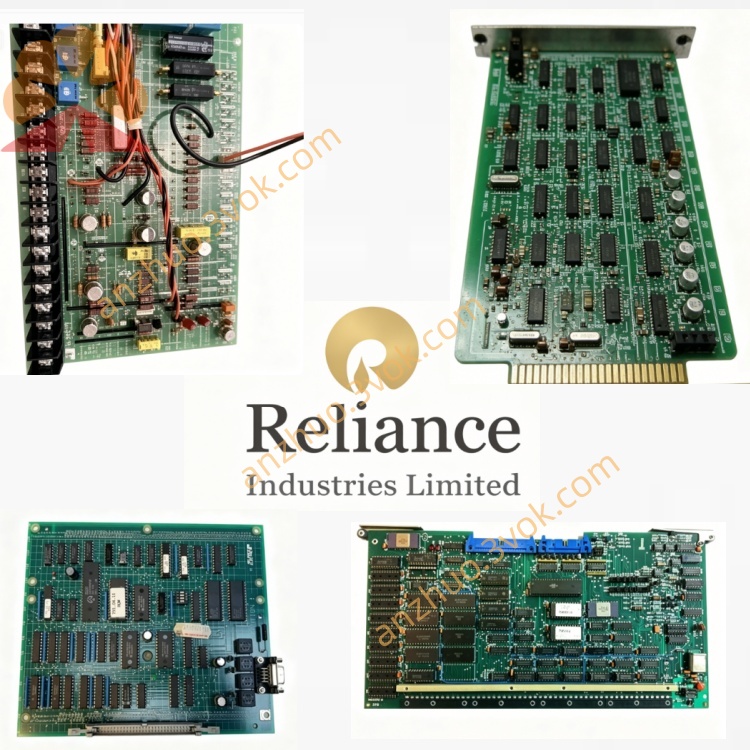
0-51668
Manufacturer: Reliance Electric
Part Number: 0-51668
Product Name: Process Control Interface Board
Application: AutoMax DCS System, Industrial Process Control System
Function: Signal isolation, data transmission, analog and digital signal conversion between host system and field equipment
Status: Obsolete spare part
Warranty: 12 months for refurbished products
Description
General Information
Manufacturer: Reliance ElectricPart Number: 0-51668Product Name: Process Control Interface BoardApplication: AutoMax DCS System, Industrial Process Control SystemFunction: Signal isolation, data transmission, analog and digital signal conversion between host system and field equipmentStatus: Obsolete spare partWarranty: 12 months for refurbished products
Electrical Specifications
Power Supply: +5VDC backplane power, 12VDC local powerPower Consumption: Max 5WCommunication Interface: RS232, RS485Relay Output: 8 channels SPDT contact, rated current 2ASignal Isolation Voltage: 1500VAC between field side and logic sideWorking Signal: Standard industrial digital and analog signal supportBuilt-in protection: Over voltage, surge and reverse polarity protection
Physical Parameters
Dimension: 244mm × 155mmWeight: Approx 0.8kgBoard Feature: Industrial PCB with conformal coatingInstallation Type: Standard AutoMax rack slot plug-in installation
Environmental Specification
Operating Temperature: -20℃ ~ +70℃Storage Temperature: -25℃ ~ +75℃Relative Humidity: 5%~95% RH, non-condensingWorking Condition: Dust-proof, moisture-proof, suitable for industrial control cabinet
Compatibility
Matching System: Reliance AutoMax DCS, DCS5000 seriesMatching Modules: Analog input card, drive control board, system power supply boardApplicable Equipment: All series Reliance AC and DC variable speed drives
Installation Instruction
Cut off the whole system power supply before installation
Insert the board into standard AutoMax rack card slot firmly
Connect field control signal and communication line correctly
Check power voltage and wiring correctness before power on
Complete communication debugging and signal test after installation
Get a Quote