
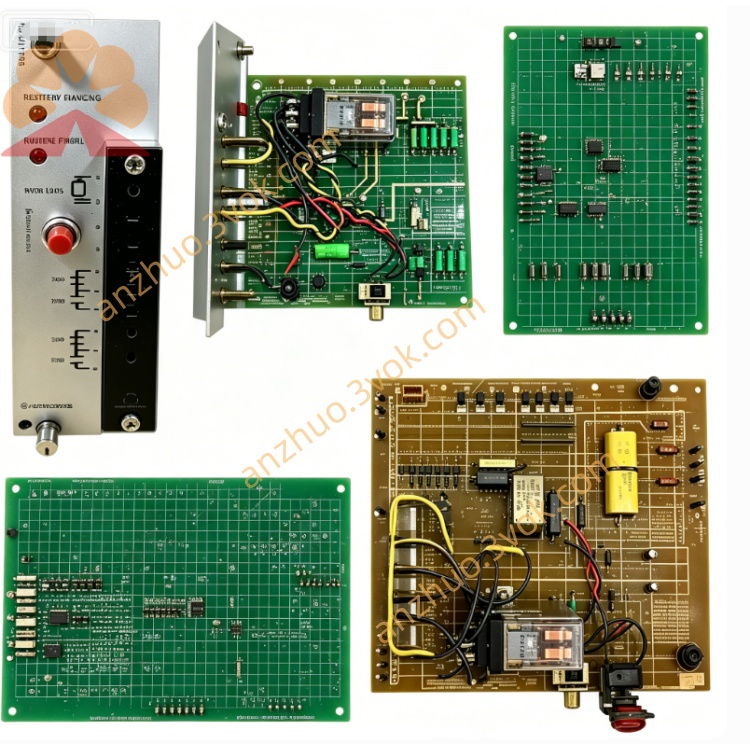
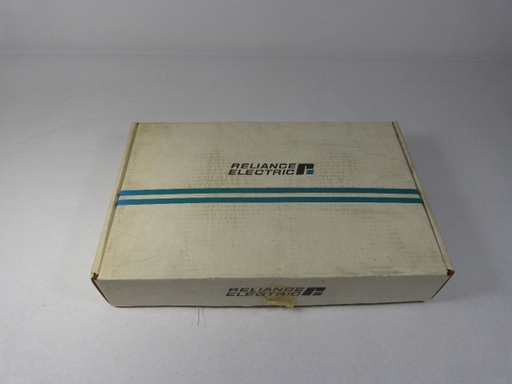
0-49061
Description
Basic Information
Manufacturer: Reliance Electric (Rockwell Automation)
Part Number: 0-49061 (alternate: 049061)
Type: Square Wave Generator Card
Series: CardPak (legacy DC drive system)
Function: Generates precision square-wave timing/clock signals for DC drive firing & synchronization
Status: Obsolete / Discontinued (spare parts only; used/surplus available)

Electrical Specifications
Output: Precision square wave, ±10 VDC (logic-level compatible)
Frequency Range: 10 Hz – 10 kHz (adjustable via front-panel pot)
Duty Cycle: 50% ±1% (fixed, symmetrical)
Control Power: +5 VDC, ±15 VDC (CardPak bus)
Accuracy: Frequency stability ±0.1% (full range)
Isolation: I/O isolated from logic ground
Protection: Overvoltage, short-circuit, thermal shutdown
Mechanical & Environmental
Mounting: Standard CardPak slot-mount (slide-in + front-panel screw)
Dimensions (L×W×H): 305 × 254 × 203 mm (12 × 10 × 8 in)
Weight: Approx. 1.4 kg (3.0 lbs)
Operating Temp: 0°C to 50°C (32°F to 122°F)
Storage Temp: -20°C to 60°C (-4°F to 140°F)
Humidity: 5%–95% non-condensing
Key Features
Precision Timing: Stable square wave for drive firing & phase synchronization
Front-Panel Adjustment: Frequency pot for on-site calibration
LED Status Indicators: Power, Run, Fault
Direct Compatibility: Works with all CardPak chassis & modules
Industrial Durability: Vibration & noise immunity for harsh environments
Compatible Modules
Pairs With: 0-49040-2 (Rectifier Firing), 0-49042-1 (Power Amp), 0-49060-1 (Current Summing)
System Use: CardPak DC drive control systems (e.g., VS Series)
Installation & Adjustment
Installation
De-energize the drive system.
Insert 0-49061 into a free CardPak slot; tighten front-panel screws.
Verify +5 VDC and ±15 VDC bus power.
Frequency Calibration
Power on; check Power LED is ON.
Connect frequency meter to output terminals.
Adjust Frequency pot to target value (10 Hz–10 kHz).
Confirm 50% duty cycle with oscilloscope.
Lock pot; test drive synchronization.
Operation & Faults
Normal: Power/Run LEDs ON; clean square-wave output.
Fault LED ON: Overvoltage, short circuit, or overheating (reset after clearing fault).
Get a Quote