
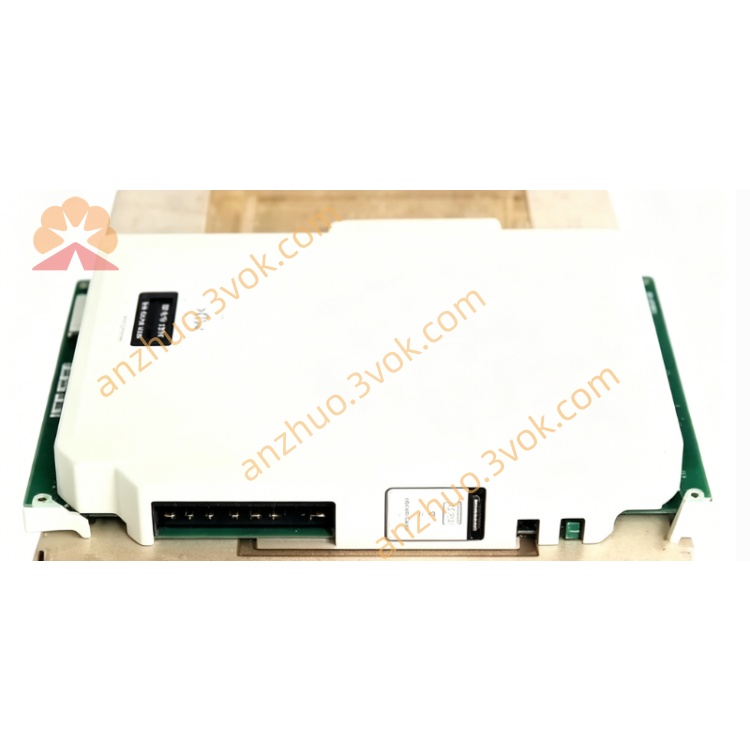
HONEYWELL 6200026
Description
2. Main Features
Model: 6200026
Detection principle: Inductive type, only for metal objects
Power supply: 10–30 V DC
Output type: 3-wire DC
Max load current: ≤ 200 mA
Protection class: IP67
Working temperature: -25 °C ~ +70 °C
Built-in reverse polarity and short-circuit protection
Shockproof, dustproof and waterproof for industrial environment
3. Safety Precautions
Cut off power before installation and wiring.
Do not apply voltage beyond 10–30 V DC.
Prohibit reverse power connection to prevent permanent damage.
Keep away from high-power motors and strong magnetic field interference.
Do not disassemble or modify the sensor.
Avoid heavy impact, oil corrosion and long-term damp environment.
4. Installation
Fix the sensor with mounting nut or bracket.
Keep standard sensing distance from the detected metal target.
Install vertically to the measured surface for best detection effect.
Do not place extra metal parts near the sensing head.
Lay the cable properly, avoid sharp bending and pulling.
5. Wiring Definition
Brown :DC +10~30 V Power
Blue :DC 0 V GND
Black :Signal output
Shield :Ground at controller side only
6. Operation
Connect wiring correctly as specified.
Power on, sensor enters standby mode.
When metal approaches within effective distance, indicator light turns on and output acts.
When metal leaves, output resets and indicator turns off.
Suitable for direct connection to PLC, relay and automation controller input.
7. Troubleshooting
No power indicator: Check power supply and wire connection.
Always signal output: Metal too close or surrounding metal interference.
Signal unstable: Loose wiring, vibration or power fluctuation.
Indicator on but no output: Signal wire broken or load damaged.
8. Maintenance
Clean dust and iron scraps on the sensing surface regularly.
Check mounting tightness and cable abrasion periodically.
Avoid long-term high temperature and corrosive gas environment.
Replace the sensor if shell crack or cable aging appears.
Get a Quote