
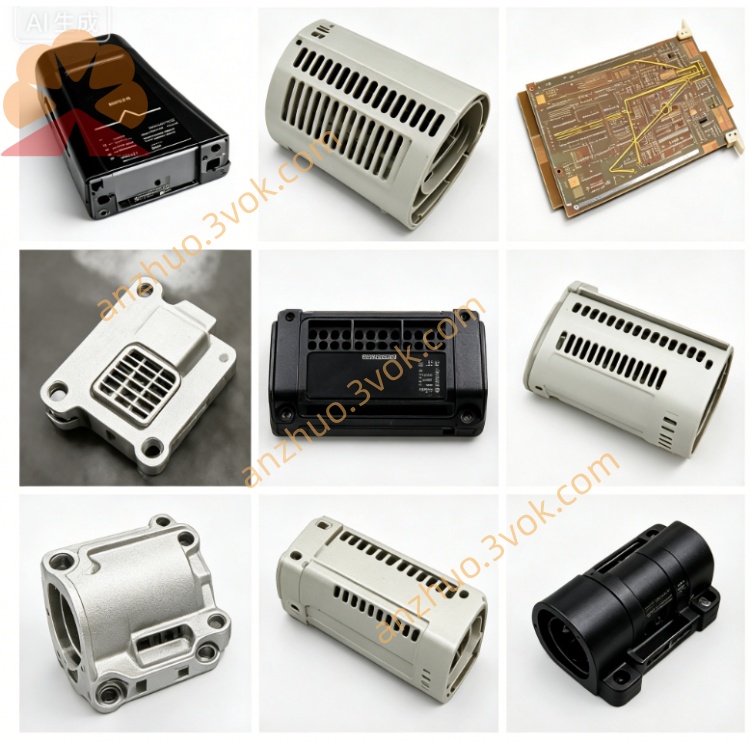
Emerson 405A528G21 Ovation DCS I/O Signal Board
Description
Technical Specifications
Model: 405A528G21
Manufacturer: Westinghouse / Emerson
Compatible Systems: Legacy WDPF, Ovation DCS
Configuration: 12 slots with IEEE 796 P1 Multibus backplane
Input Power: 115/230 VAC auto-sensing, 50/60 Hz
Cooling: Dual hot-swappable fans, front-to-back airflow
Mounting: Standard 19-inch EIA rack mount
Dimensions (H × W × D): 13.3 cm × 44.5 cm × 50.8 cm
Weight: Approximately 15.9 kg (empty chassis)
Operating Temperature: 0 °C ~ 50 °C
Relative Humidity: 5% ~ 95%, non-condensing
Main Features: Hot-swappable module support, redundant power supply compatibility, built-in EMI shielding and line filter, upgraded structure for improved reliability
Series Model Comparison
405A528G01: 12 slots, 115/230 VAC auto-sensing, standard version
405A528G02: 12 slots, fixed 230 VAC input, standard version
405A528G21: 12 slots, 115/230 VAC auto-sensing, enhanced high-reliability version
Application Fields
Power generation: Used as the main cabinet for WDPF and Ovation DCS in thermal and nuclear power plants to install DPU controllers, I/O modules and redundant power supplies.
Process industries: Applied to petrochemical, pulp & paper, cement and other industries for rack-mounted DCS control nodes.
Legacy system upgrade and replacement for existing WDPF and Ovation control systems.
Installation & Operation
Fix the chassis on a standard 19-inch EIA rack and reserve sufficient space for ventilation.
Connect 115/230 VAC power to the chassis power port.
Install controllers, I/O modules and power supplies into designated slots following system specifications.
Complete Multibus connection and reliable grounding for multi-chassis networking.
Regularly check fan operation and keep ventilation openings unobstructed.
Diagnosis & Maintenance
Green Power LED: AC input is normal.
Green Fan LED: Cooling fans operate properly.
Red Fault LED: Indicates overheating, fan failure or abnormal backplane voltage.
Inspect internal connectors and air filters quarterly. Disconnect all power before maintenance, and wait for capacitors to fully discharge.
Get a Quote