1. Product Overview
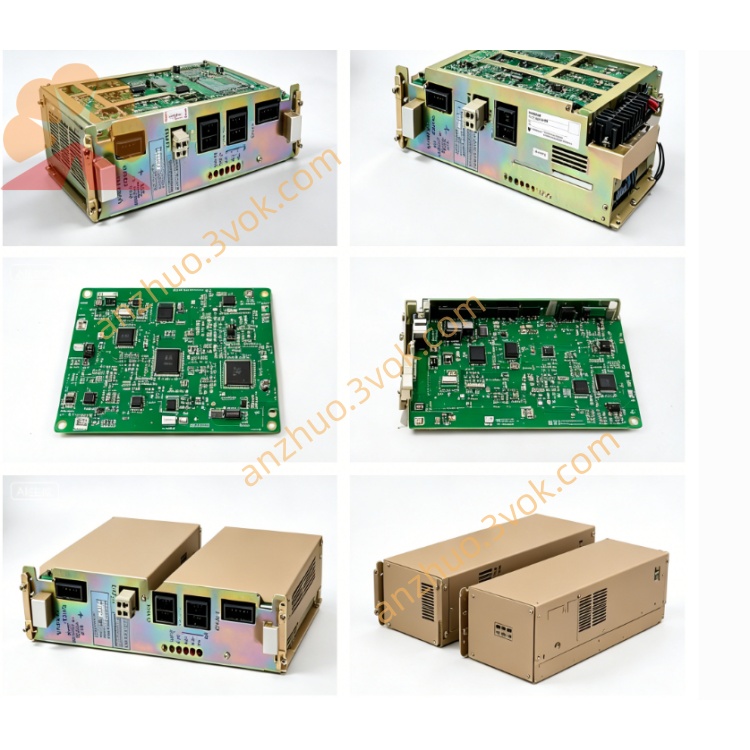
Full model: JANCU-MCP02B-1. It is the original operator panel mainboard specially configured for Matsuura MC-760VX vertical machining center equipped with YASNAC MX2/MX3 CNC system. This board matches previously listed spare parts including LX-2 keypad board, MORI-04 I/O board, JZRCR-XSU02 servo control board and XC001B axis drive board inside the same control cabinet. Original production has been discontinued; only tested used or refurbished replacement boards are available for equipment maintenance.
2. Main Function
Mounted behind the CRT display and machine operation keypad, it connects with LX-2 keypad circuit board via flat cable. It manages CRT screen display function, keypad signal scanning, data communication between operator panel and main CPU board MM20, and transmits operation command signals to CNC main control system. Rated working power is DC24V supplied from cabinet internal control power source.
3. Electrical & Installation Feature
Standard embedded installation inside machine operation panel enclosure, connected to cabinet backplane through dedicated flat signal cable. Designed with built-in signal processing circuit and communication interface for system bus data exchange, with basic surge protection components onboard to resist instantaneous voltage spike interference. Protection grade IP00, only used inside closed operation panel.
4. Compatible Components
Fully compatible with MX2/MX3 system core hardware: MM20 CPU mainboard, LX-2 panel board, MORI-04 safety I/O board, XSU02 servo master board and XC001B single-axis servo board. MCP02B and MCP02B-1 can be interchangeable after simple parameter confirmation; robot version JANCD-MCP02B-1 cannot be substituted for this CNC panel board.
5. Typical Fault Phenomenon
CRT screen keeps completely black after power-on, all operation buttons fail to respond though machine cabinet powers up normally.
System triggers communication error or related CPU alarm code such as ALM329 during power-on self-check.
Intermittent screen flickering or occasional display loss caused by aging onboard electrolytic capacitors.
6. Replacement Steps
Cut off total three-phase AC main power of machining center and wait over 15 minutes for full discharge of residual voltage inside control cabinet.
Mark all flat cables connected on MCP02B-1 then disconnect wiring sequentially.
Remove fixing screws of faulty board and install replacement unit in original position securely.
Reconnect all cables strictly following pre-marked labels.
Switch on machine power, finish CNC self-test and verify screen display and all keypad functions work normally.
7. Safety Instruction
Hot plugging any signal cables under powered condition is strictly prohibited to avoid permanent circuit burnout. Only professional CNC maintenance technicians are permitted to disassemble or repair this circuit board.
8. Operating Environment
Working temperature: 0℃~+50℃; storage temperature: -20℃~+70℃, relative humidity 10%~85% without condensation, keep away from cutting fluid mist, oil vapor and severe mechanical vibration.

Get a Quote