
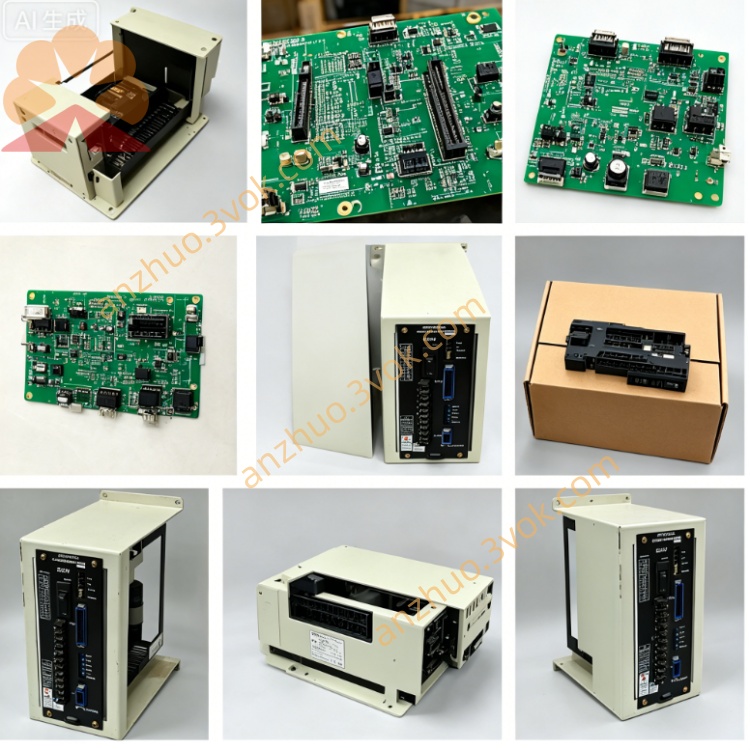
JANCD-SR01
Description
Part Number: JANCD-SR01 (also marked DE8401380, Rev. C)
Manufacturer: Yaskawa Electric / Motoman Robotics
Type: Main CPU / System Control Board (for early CNC & robot controllers)
Function: Central processing, system logic, motion control coordination, and bus management
Applicable Systems:
YASNAC LX / MX series CNC
Motoman ERC robot controllers (legacy)
Status: Discontinued (obsolete; only used / refurbished available)
Weight: Approx. 1.0–1.2 kg
Form Factor: Standard Yaskawa backplane plug-in card
2. Specifications
Electrical
Power: +5 V, ±12 V DC (backplane)
Power Consumption: ~1.5 A max
Processor: 16-bit legacy CPU
On-board Memory: ROM (firmware), RAM (system/workspace)
Environmental
Operating Temp: 0 °C to +45 °C
Storage Temp: -20 °C to +60 °C
Humidity: 5%–85%, non-condensing
3. Key Functions
- System Central ProcessingExecutes CNC/robot OS, motion planning, and program interpretation.
- Motion Control CoordinationCommunicates with servo boards, generates trajectory commands, and manages axis synchronization.
- I/O & Bus ManagementControls system I/O, handles internal bus communication, and supports Genius bus I/O with watchdog protection.
- Error & Alarm HandlingMonitors system health, logs alarms, and triggers safety interlocks.
4. Compatibility
Compatible With:
YASNAC LX / MX CNC systems
Motoman ERC robot controllers (early firmware)
JANCD-SP series display/interface boards (SP17B/SP20/SP21)
Incompatible With:
XRC, NX100, DX, YRC series robot controllers
Later CPU boards (e.g., JANCD-SR21)
5. Installation & Maintenance
Installation
Power off the controller and wait ≥5 minutes for discharge.
Use anti-static protection (wrist strap).
Align and insert into the designated backplane slot; secure screws.
Reconnect all cables and power on.
Troubleshooting
No boot / black screen: Check +5 V power, reseat the board, clean edge connectors.
Persistent alarms: Verify firmware compatibility; check for damaged components.
Communication errors: Inspect backplane and ribbon cables; reseat adjacent boards.
Safety Notes
Always power off before removal/installation.
Handle only with anti-static precautions.
Keep board clean and dry; avoid corrosive environments.
Get a Quote