1.1 Overview
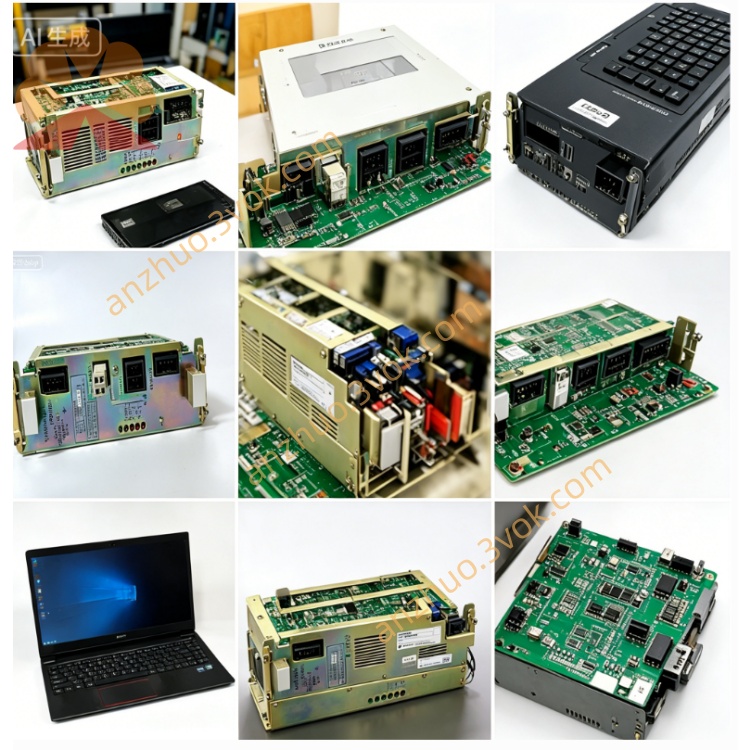
JANCD-SP17 (also marked JANCD-SP17B) is a display control / operator interface PCB made by Yaskawa Electric for the Motoman XRC robot controller series. It drives the front LCD, processes keypad/operator panel signals, and provides status LED indication, serving as the primary human–machine interface for XRC systems.
1.2 Basic Specifications
Model: JANCD-SP17 / JANCD-SP17B
Part Number: DF8203304-B0 (common)
Manufacturer: Yaskawa Electric / Motoman Robotics
Applicable System: Motoman XRC series robot controller
Board Type: Display control / operator interface PCB
Status: Discontinued (new surplus / refurbished / used only)
Weight: Approx. 1.0 kg
Origin: Japan
2. Electrical & Interface
2.1 Power Supply
2.2 Connectors & Interfaces
LCD Interface: Dedicated 20‑pin connector for XRC front LCD module
Keypad/Panel Interface: Multi‑pin header for operator keys, switches, and status LEDs
System Bus: XRC internal bus to main CPU
Edge Connector: Standard XRC backplane slot connector
2.3 Environmental
Operating Temp: 0 °C to +40 °C
Storage Temp: -20 °C to +50 °C
Humidity: 5%–80% RH (non‑condensing)
Altitude: ≤1,000 m
3. Main Functions
3.1 LCD Drive & System Display
Drives the XRC front‑panel LCD to show robot operating mode (Auto/Manual/Teach), servo status, alarm/error codes and messages, program status, I/O states, and system parameters.
3.2 Operator Panel Input Handling
Scans and debounces front‑panel pushbuttons and mode switches; sends key codes and mode signals to the main CPU for local operation including start/stop, jog, alarm reset, and E‑stop acknowledgment.
3.3 Status LED Indication
Onboard and front‑panel LEDs indicate power, system run, alarm/fault, communication activity, and servo ready status for quick visual diagnosis.
3.4 Communication with Main CPU
Transmits operator input to the XRC main CPU and receives display data and status updates to drive the LCD and LEDs; supports real‑time HMI refresh.
4. Compatibility & Installation
4.1 Compatibility
Exclusively for Motoman XRC controllers. Not compatible with NX100, NXC100, DX series, or Yasnac CNC systems.
4.2 Installation Steps
Power off the controller and wait ≥5 minutes for capacitor discharge.
Use an ESD wristband connected to ground.
Insert JANCD-SP17 into the designated XRC backplane slot; seat firmly.
Secure with mounting screws.
Connect LCD cable and keypad/LED harness to the board connectors.
Power on and verify LCD initialization, LED states, and button responsiveness.
5. Maintenance & Safety
5.1 Maintenance
Inspect every 3 months: check cables/connectors for looseness, dust, or oxidation; clean board surface with a dry lint‑free cloth only.
5.2 ESD Safety
Always ground yourself when handling the board to avoid static damage to ICs.
5.3 Power Safety
Disconnect all power before removal, inspection, or maintenance.
5.4 Qualified Personnel
Installation and service must be performed by trained technicians familiar with Motoman XRC systems.
6. Troubleshooting
6.1 LCD No Display
Possible causes include loose LCD cable, poor backplane connection, or faulty LCD module. Power off, reseat cables and board; check LCD module if issue persists.
6.2 Keys/Panel Unresponsive
Check keypad harness connection, wiring continuity, and switch integrity; inspect for shorts or damaged traces on the board.
6.3 All LEDs Off
Verify 5 VDC supply from backplane; check power connector and onboard power circuitry for damage.
6.4 Board Not Recognized
Reseat the board; clean edge connectors with dry cloth; inspect backplane slot and communication bus.
7. Disclaimer
This document is for reference only. Yaskawa Electric reserves the right to change specifications without notice. Refer to the official XRC controller manual and JANCD-SP17 datasheet for full details.

Get a Quote