
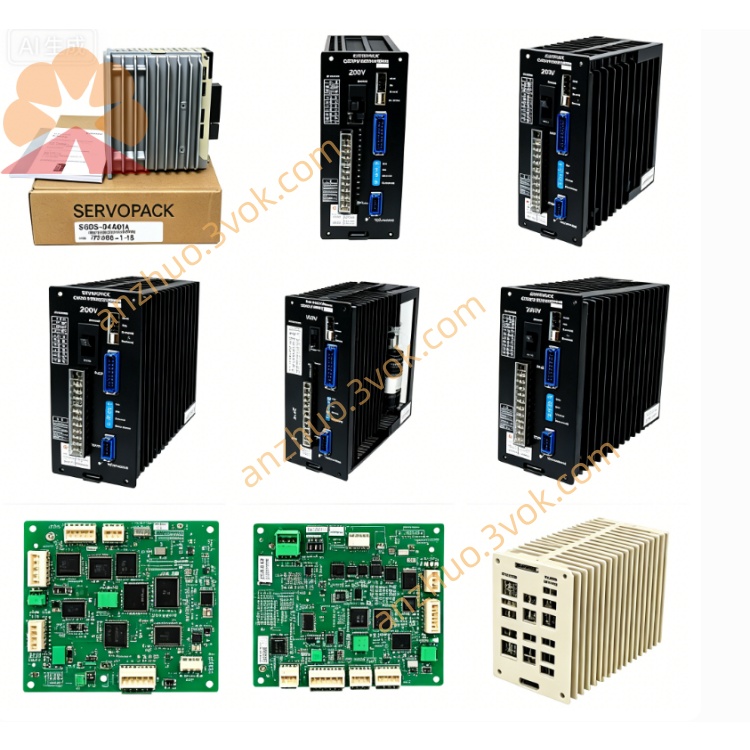
JANCD-MM14
Description
1. General Description
2. Basic Information
Model: JANCD‑MM14 (MM14; common revisions: MM14C, MM14D)
Manufacturer: Yaskawa Electric (Japan)
Type: Robot controller RAM memory board
Compatible Controllers: Motoman XRC, ERC series
Weight: ~0.3–0.6 kg (0.66–1.3 lbs)
Status: Obsolete / Discontinued
3. Specifications
Memory Type: High‑speed CMOS RAM
Capacity: Standard 256 KB – 1 MB (revision‑dependent)
Interface: Proprietary parallel bus (XRC/ERC backplane)
Form Factor: 3U rack‑mount PCB
Power: 5 VDC from backplane; 24 VDC auxiliary input
Current Draw: ~500 mA max
Operating Temp: 0 °C to +40 °C (non‑condensing)
Storage Temp: −10 °C to +60 °C
Humidity: 5%–80% RH (non‑condensing)
Indicator: 1× red LED (power / access)
4. Key Functions
Provides volatile RAM storage for active robot programs and runtime data.
Works with MM13‑series ROM boards for full system memory (ROM + RAM).
Enables larger job sizes, faster program execution, and expanded I/O buffering.
Supports online program editing and real‑time motion data caching.
5. Compatibility Notes
MM14 = RAM expansion; pairs with MM13 (ROM) in XRC/ERC systems.
Revisions:
MM14C: DF8203076/A0, standard capacity
MM14D: DF8203830/C0, higher capacity, Rev C
Not compatible with MRC, MX2, DX100, DX200, YRC1000.
6. Installation & Safety
Power OFF controller before insertion/removal (no hot‑swap).
Use ESD protection (grounded wristband).
Align edge connectors, insert into vacant 3U slot, tighten screws.
Keep away from moisture, dust, oil, and vibration.
Do not modify or disassemble; warranty void if opened.
Get a Quote