
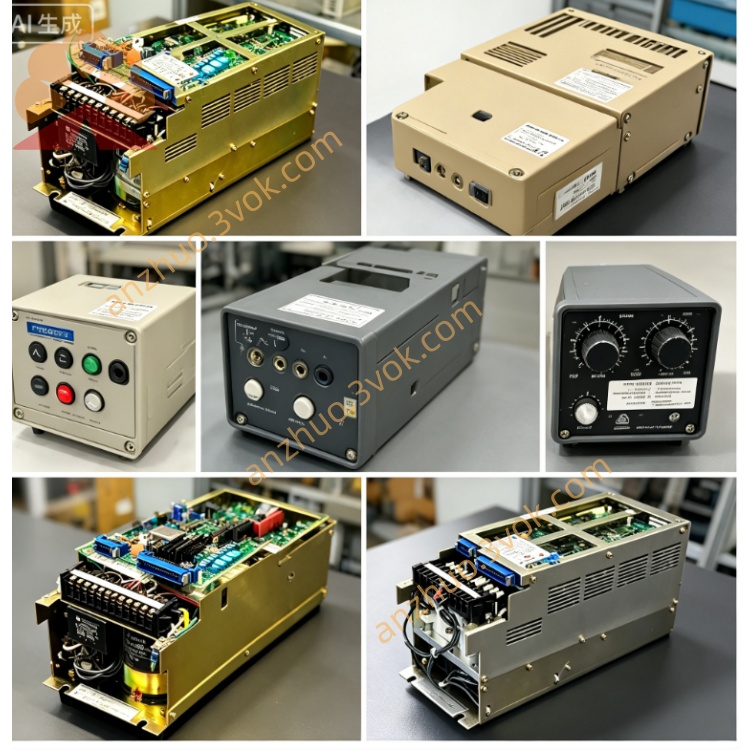
JANCD‑MM01C(Yaskawa Memory Board, CNC/Robot Controller)
Description
1. Overview
2. Specifications
Memory type: Flash memory (non‑volatile)
Capacity: Larger than MM01B (for expanded program/parameter storage)
Interface: Proprietary controller bus edge connector
Power: 5 VDC supplied directly from controller backplane
Operating temperature: 0 °C to +55 °C
Storage temperature: −20 °C to +70 °C
Humidity: 95% RH non‑condensing
Mounting: Standard slot inside Yaskawa controller rack
3. Key Features
Stores OS, firmware, CNC programs, robot jobs, parameters, offsets, and backup data.
Supports fast boot, one‑click backup/restore, and offline data transfer.
Enables system recovery without external media after controller replacement.
Fully compatible with YASNAC i80 CNC and Motoman XRC/MRC robot controllers.
4. Installation & Replacement
Shut down and lock out all controller power (AC and DC).
Locate an empty standard slot in the controller rack.
Insert JANCD‑MM01C firmly until the edge connector is fully seated.
Secure the board with two mounting screws.
Restore power; the controller will auto‑recognize the board.
Load system software or restore a backup via the controller menu.
5. Backup & Restore Procedure
Backup: Use the teach pendant or CNC menu to save all system and user data to MM01C.
Restore: Boot the controller from MM01C or select “Restore from Memory Board” in the menu.
Best practice: Keep one backup on MM01C and one on external USB for redundancy.
6. Safety & Handling
ESD mandatory: Always use a grounded wrist strap when handling.
Never insert/remove the board with power applied.
Avoid static, moisture, dust, and physical impact.
Do not open or modify the board; warranty is void if tampered.
Keep controller ventilation clear; clean dust annually.
7. Compatibility
Yaskawa YASNAC i80 CNC systems
Yaskawa Motoman XRC series robot controllers
Yaskawa Motoman MRC series robot controllers
8. Difference from MM01B
MM01C: Larger capacity, faster read/write, newer firmware support.
MM01B: Standard capacity, older revision, for basic system storage.
Get a Quote