
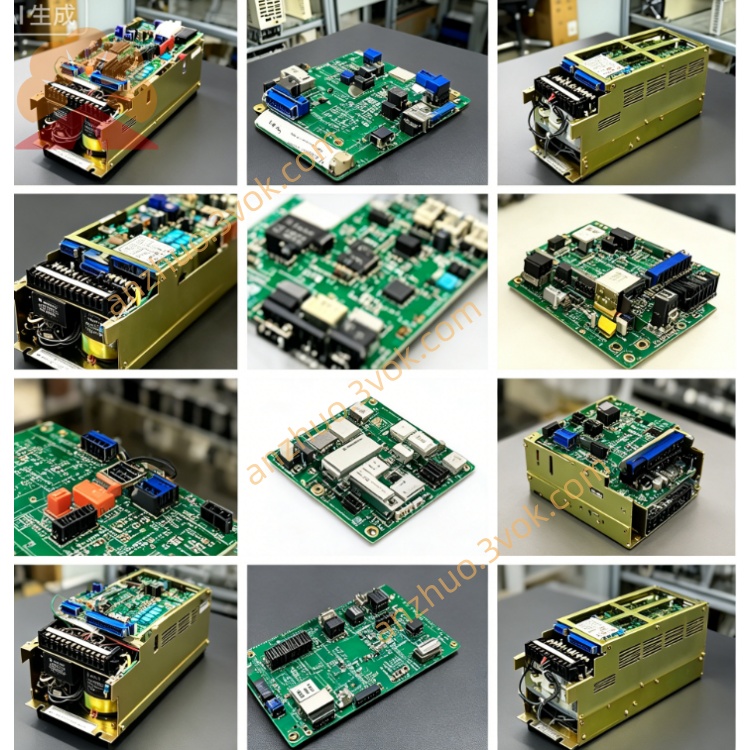
JANCD‑MM01B(Yaskawa Memory Board)
Description
1. Overview
2. Specifications
Memory type: Non‑volatile flash memory
Capacity: Standard size for controller system/program storage
Interface: Proprietary edge connector (controller bus)
Power: Supplied by controller bus (no external power needed)
Ambient temperature: 0 °C to +55 °C
Storage temperature: −20 °C to +70 °C
Humidity: 95% RH non‑condensing
Mounting: Inside controller, standard I/O slot
3. Functions
Stores OS, firmware, robot programs, CNC programs, parameters, tool data, and backup logs.
Supports boot, restore, and data transfer between controller and external devices.
Enables system backup/restore for quick recovery after failure.
Works as the primary system storage for XRC/MRC/i80 controllers.
4. Installation & Replacement
Turn off and lock out controller power.
Locate an empty standard slot in the controller rack.
Insert JANCD‑MM01B firmly into the slot until seated.
Secure with mounting screws.
Restore power; controller will auto‑detect the memory board.
Load system software or restore backup as required.
5. Data Backup & Restore
Backup: Use teach pendant or CNC menu to save all data to MM01B or external USB.
Restore: Boot controller from MM01B or select restore from backup via menu.
Keep one full backup on MM01B and one on external media for safety.
6. Safety & Handling
ESD protection required: Use grounded wrist strap when handling.
Do not remove or insert the board with power on.
Avoid static, moisture, dust, and physical shock.
Do not modify, open, or repair the board; warranty void if tampered.
Keep ventilation clear; clean dust periodically.
7. Compatibility
Yaskawa Motoman XRC series robot controllers
Yaskawa Motoman MRC series robot controllers
Yaskawa YASNAC i80 CNC controllers
Get a Quote